
Getting Started
Your complete guide to using KC360 — the enterprise voice AI platform with built-in CRM, automation, and analytics.
KC360 User Manual
Welcome to KC360 — the all-in-one voice AI platform that powers intelligent phone agents, CRM management, automation workflows, and business analytics at scale.
What You Can Do
- Launch AI Agents — build voice bots that handle real phone conversations
- Manage Contacts & Deals — full CRM with contacts, opportunities, and pipelines
- Automate Workflows — trigger actions automatically based on events
- Track Analytics — monitor call performance, agent metrics, and KPIs
- Integrate Everything — connect Gmail, Calendar, Slack, Twilio, and more
- Manage Knowledge — build knowledge bases your agents reference during calls
Quick Setup Guide
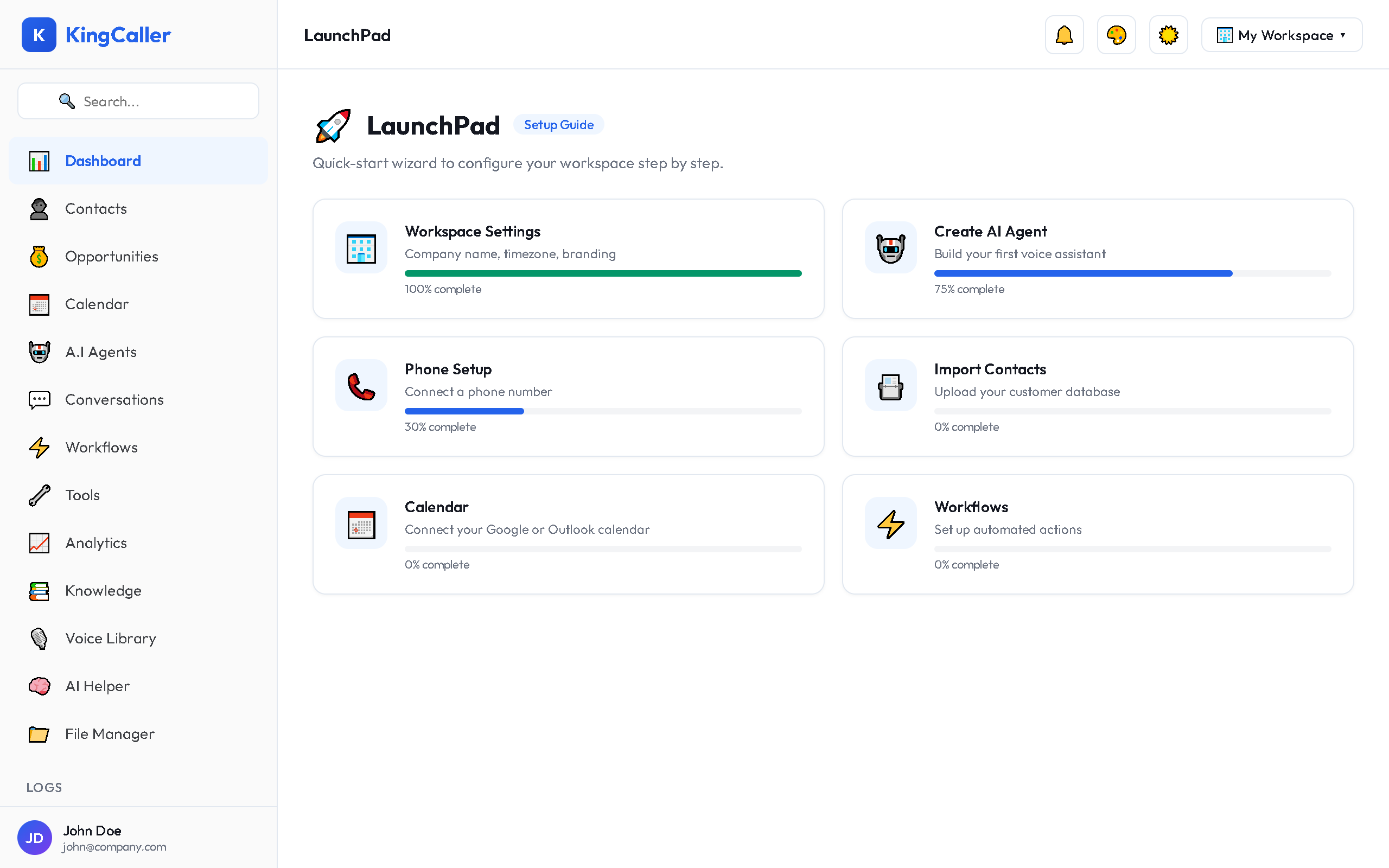
1. Complete the LaunchPad
After logging in, the LaunchPad guides you through initial setup — workspace config, first agent, phone number, and more.
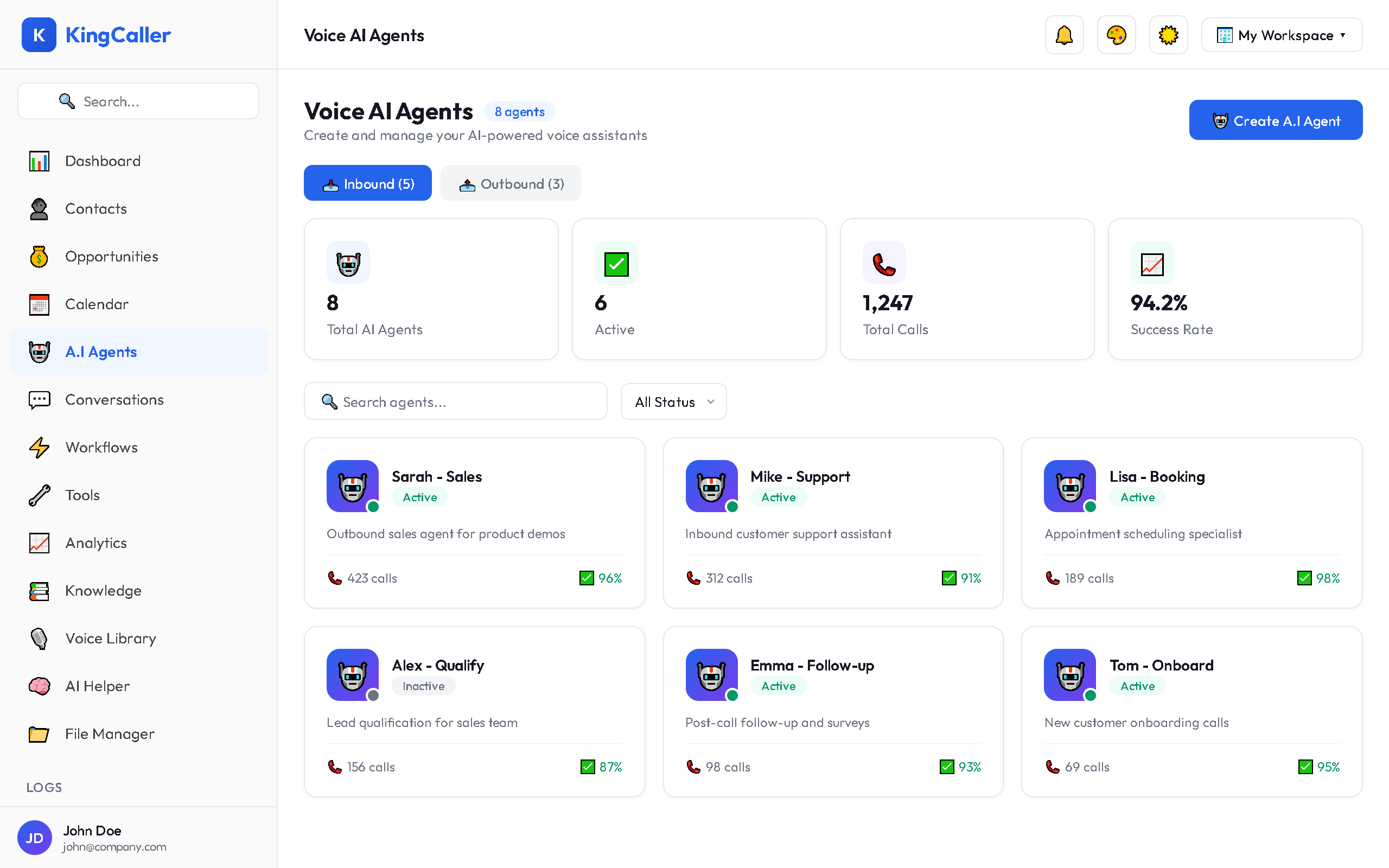
2. Build Your First AI Agent
Navigate to A.I Agents → Create New Bot → configure voice, personality, and call handling.
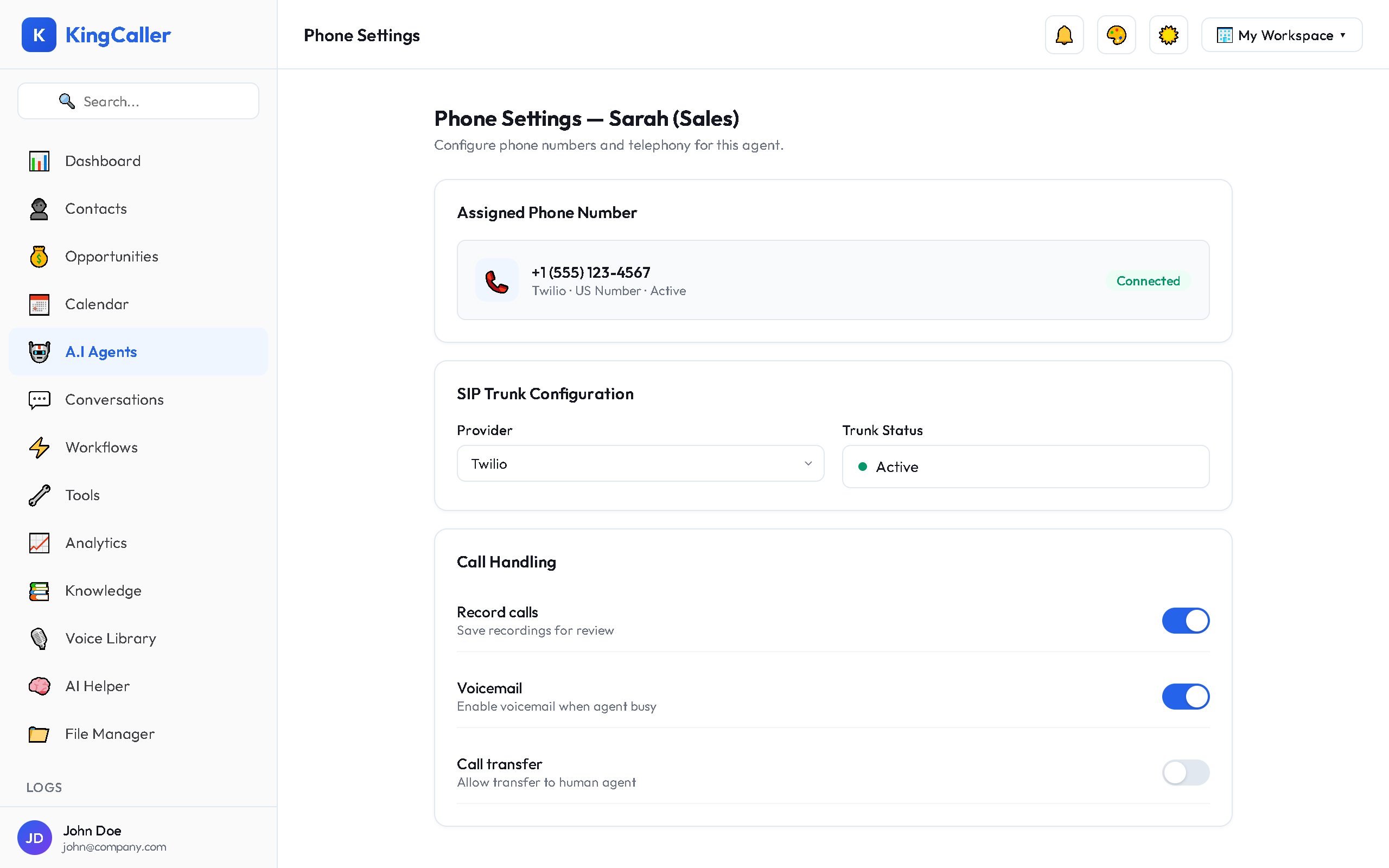
3. Assign a Phone Number
In the agent builder, assign a phone number so your agent can make and receive calls.
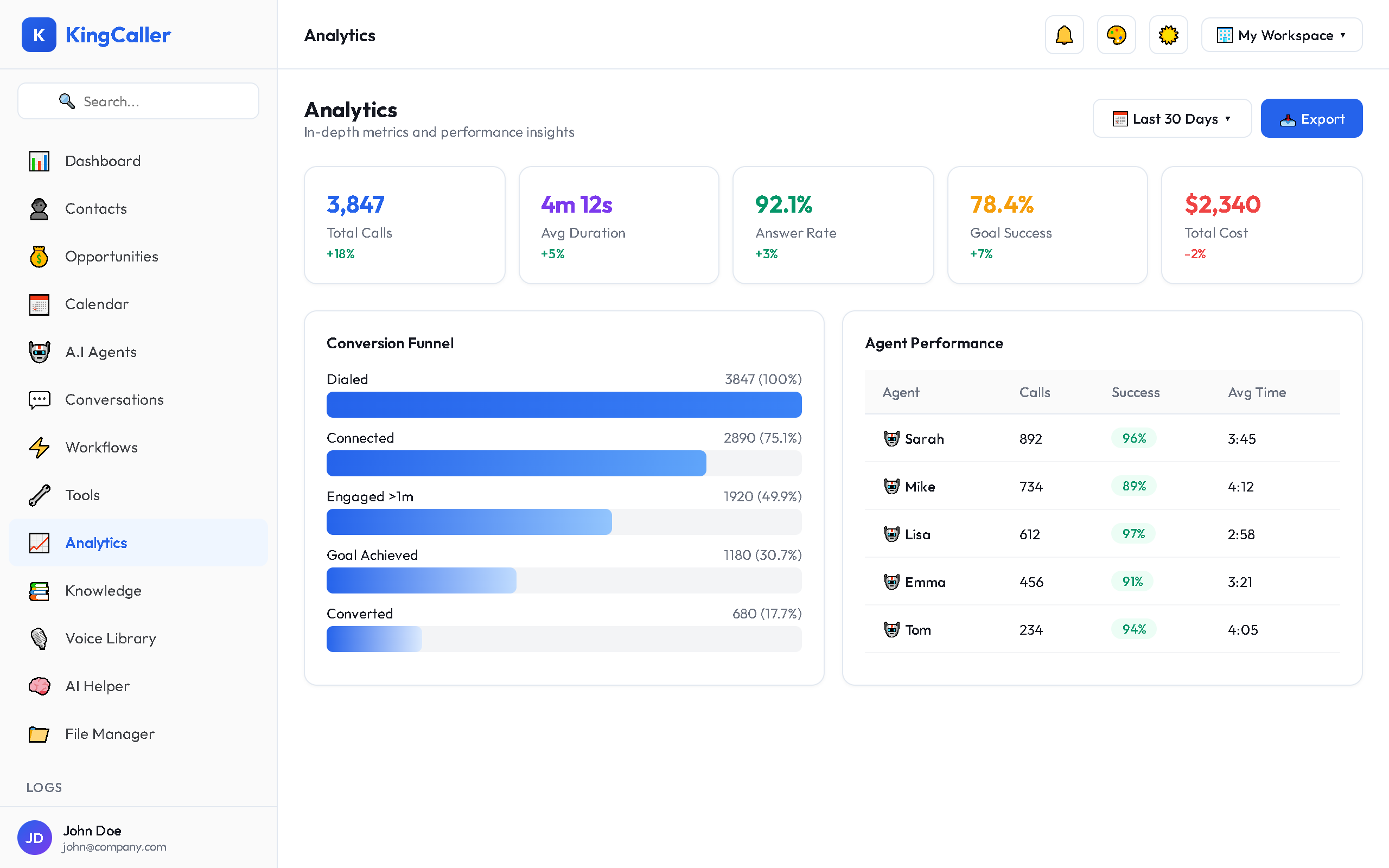
4. Go Live
Activate your agent, test with a call, then monitor results in Analytics.
Platform Modules
| Module | Description |
|---|---|
| LaunchPad | Onboarding wizard and setup progress |
| Dashboard | Widget-based analytics and KPI overview |
| Contacts | CRM contact management with import/export |
| Opportunities | Sales pipelines and deal management |
| Calendar | Appointments, scheduling, and booking links |
| A.I Agents | Voice AI bot creation, configuration, and campaigns |
| Conversations | Unified inbox for SMS, email, WhatsApp, and calls |
| Workflows | Automation builder with visual editor |
| Tools | Agent tools and third-party integrations |
| Analytics | Call metrics, reports, and data export |
| Knowledge | Knowledge bases for agent reference |
| Voice Library | Browse and select AI voices |
| AI Helper | Built-in AI chatbot assistant |
| File Manager | Cloud file storage and management |
| Logs | Call logs, webhook logs, and workflow logs |
Support
Need help? Use the AI Helper for instant platform guidance, or contact support through your workspace settings.