
Integrations
Connect pre-built integrations like Gmail, Google Calendar, Slack, and more.
Integrations
KC360 includes pre-built integrations with popular services, ready to connect in a few clicks.
Available Integrations
| Integration | What It Does |
|---|---|
| Gmail | Send/receive emails, access email threads |
| Google Calendar | Check availability, book appointments, manage events |
| Slack | Send notifications, post to channels |
| GoHighLevel (GHL) | Sync contacts, opportunities, pipelines |
| Twilio | SMS messaging, phone number management |
| Zapier | Connect to 5,000+ apps via Zapier workflows |
| n8n | Open-source workflow automation |
Connecting an Integration
-
Navigate to Tools → Integrations tab
-
Find the service you want to connect
-
Click Connect
-
Follow the OAuth flow or enter API credentials:
- OAuth (Gmail, Google Calendar, Slack): You'll be redirected to sign in and grant access
- API Key (Twilio, GHL): Enter your API key and secret
- Webhook (Zapier, n8n): Copy the webhook URL
-
The integration status shows Connected ✓
app.kingcaller.ai
3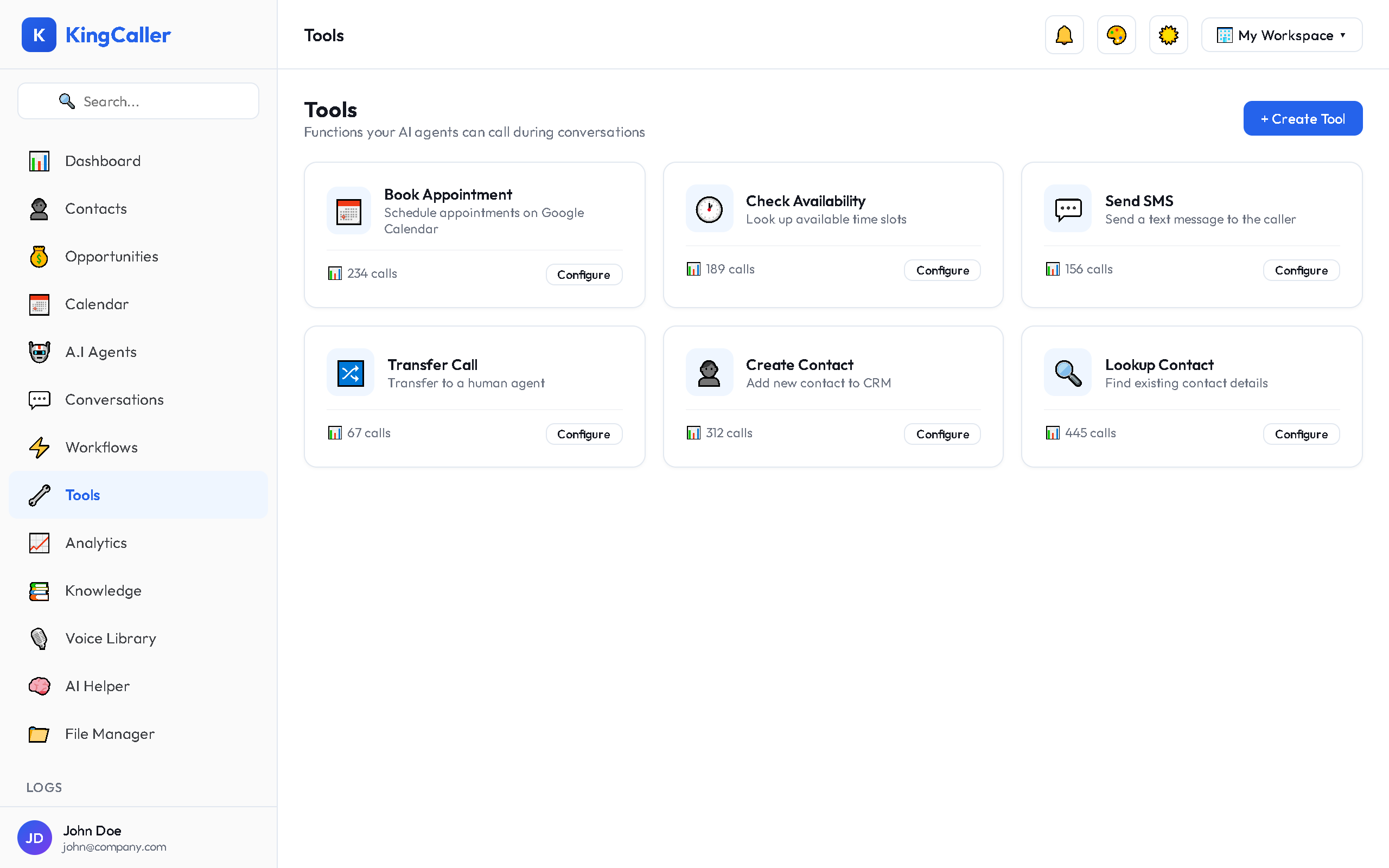
Using Integrations as Tools
Once connected, integrations become available as tools for your AI agents:
- Go to Tools → Create Tool
- Select Integration as the type
- Choose the connected service
- Select the action (e.g., "Create Calendar Event")
- Configure parameters
- Assign to your agents
Managing Connections
| Action | How |
|---|---|
| View status | Check connection health on the Integrations tab |
| Reconnect | Click Reconnect if authorization expired |
| Disconnect | Click Disconnect to remove the integration |
| Refresh token | Some OAuth integrations auto-refresh; others need manual reconnection |
Troubleshooting
| Issue | Solution |
|---|---|
| "Unauthorized" errors | Reconnect the integration (token may have expired) |
| Integration not showing | Check that the integration is enabled for your plan |
| API rate limits | Reduce call volume or upgrade the external service plan |