
Voice Library
Browse, preview, and select voices for your AI agents from the ElevenLabs voice library.
Voice Library
The Voice Library gives you access to a vast collection of AI voices from ElevenLabs. Browse, preview, and add voices to use with your AI agents.
Browsing Voices
- Navigate to Voice Library in the sidebar
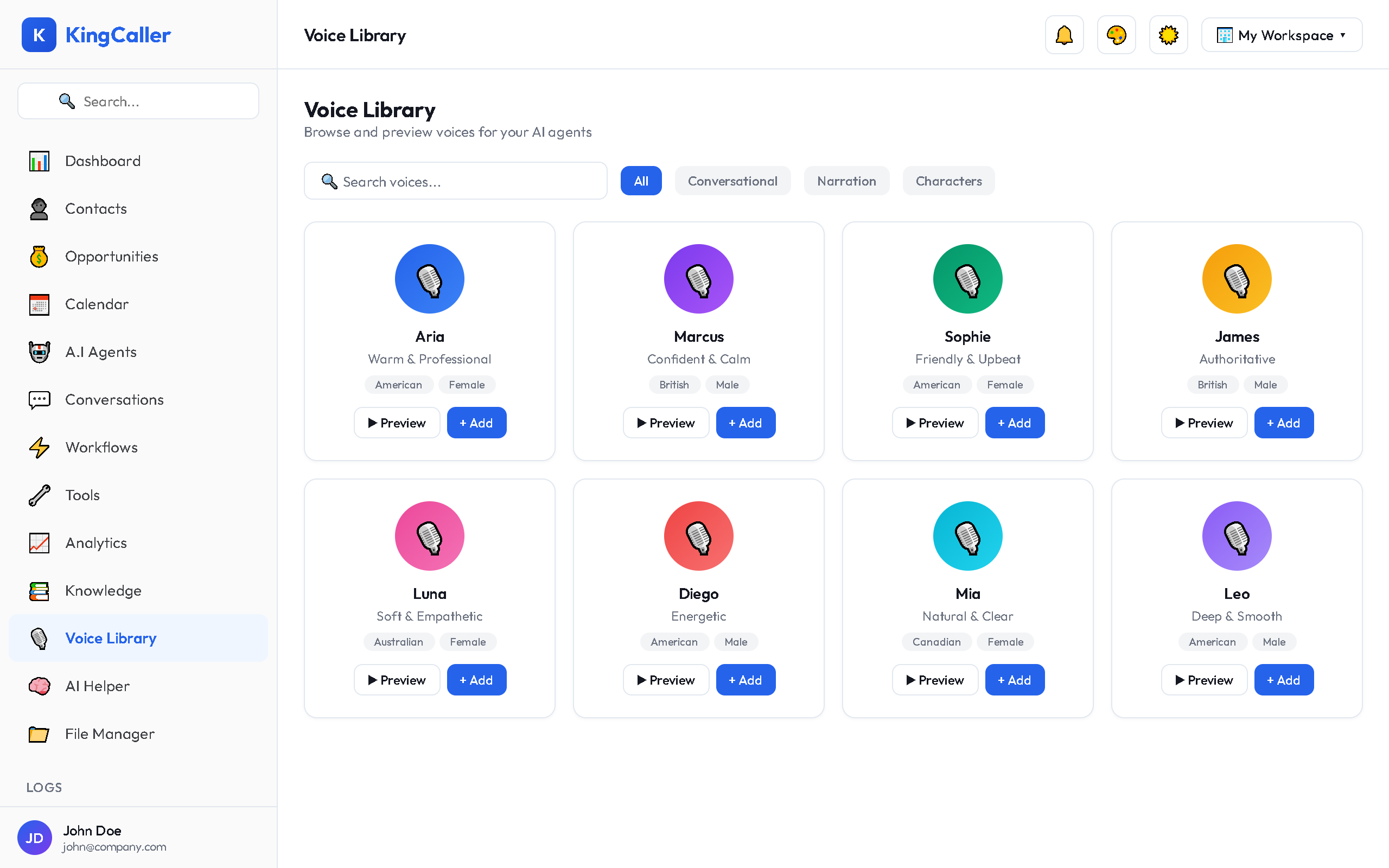
- Browse the voice catalog with infinite scroll — new voices load as you scroll down
- Each voice card shows:
- Voice name
- Category (e.g., Conversational, Narration, Characters)
- Preview button — listen to a sample
app.kingcaller.ai
Searching & Filtering
Search
Use the search bar to find voices by name or description.
Category Filter
Filter voices by category:
- Conversational — natural, human-like voices ideal for phone calls
- Narration — clear, professional voices for announcements
- Characters — distinctive voices for unique agent personalities
Previewing a Voice
- Click the ▶ Play button on any voice card
- Listen to the preview sample
- Compare multiple voices to find the perfect match
- Click Stop to end playback
Adding a Voice to Your Agent
- Find a voice you like
- Click + Add Voice on the card
- The voice modal opens with details:
- Full voice description
- Additional samples
- Voice characteristics (pitch, speed, accent)
- Confirm by clicking Add
- The voice is now available in the Agent Builder → Voice Settings dropdown
app.kingcaller.ai
3Tips for Choosing Voices
| Goal | Recommended Style |
|---|---|
| Customer support | Warm, conversational, medium pace |
| Sales calls | Energetic, confident, natural |
| Appointment reminders | Professional, clear, neutral |
| After-hours reception | Calm, welcoming, friendly |
Tip: Test multiple voices with your agent using the Test Call feature to see which voice works best with your script and audience.