
Tools Overview
Connect your AI agents to external services with tool integrations.
Tools
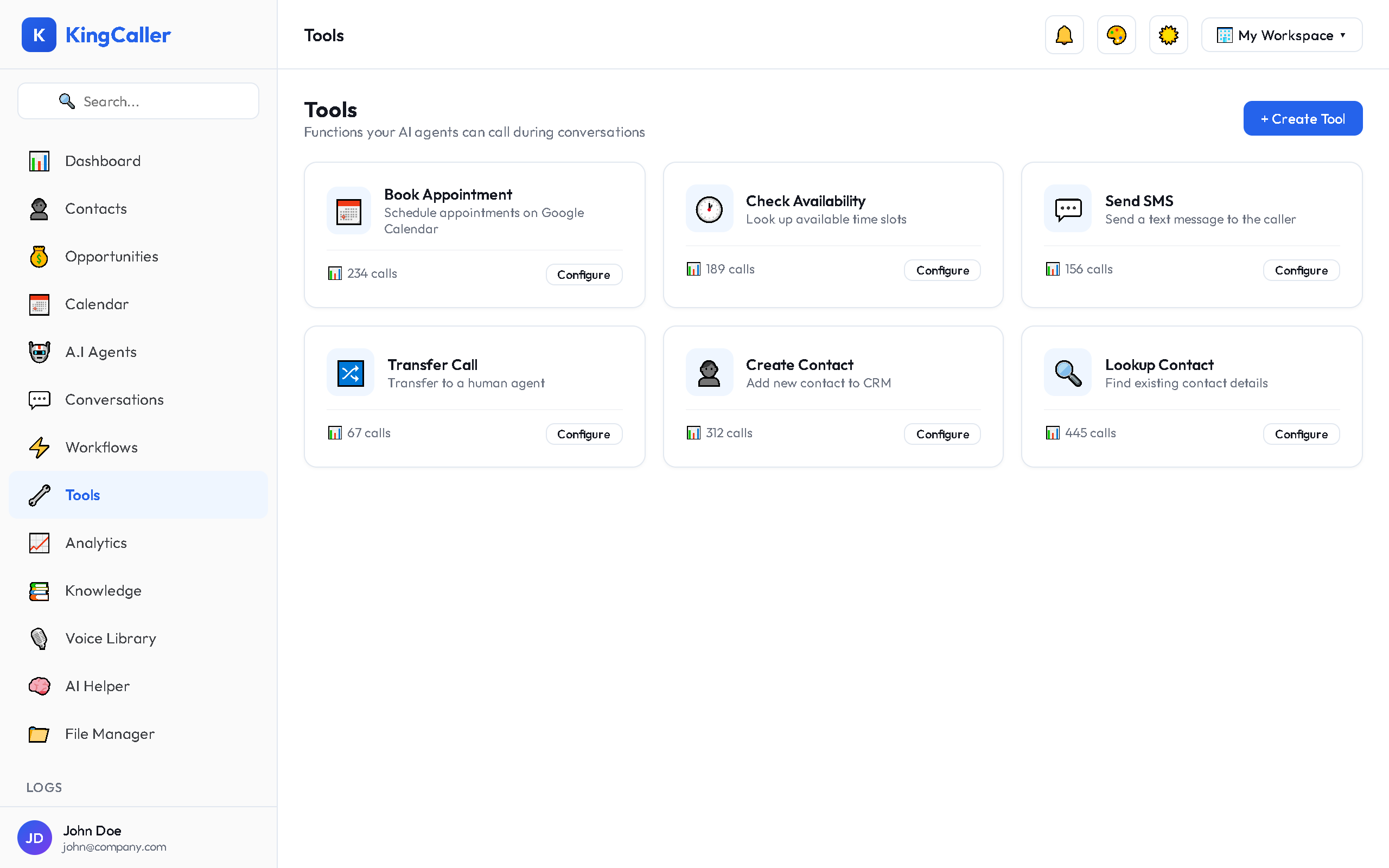
Tools extend your AI agents' capabilities by connecting them to external services, APIs, and integrations. When an agent needs to check a calendar, book an appointment, or update a CRM — it uses Tools.
Key Features
- Multiple tool types — API, Webhook, Function, Integration, CRM
- Pre-built integrations — Gmail, Google Calendar, Slack, GoHighLevel, Twilio, Zapier, n8n
- Execution history — see every tool call made by your agents
- Logs and debugging — detailed execution logs with input/output
Tool Types
| Type | Description | Example |
|---|---|---|
| API | Call any REST API endpoint | Check weather, lookup customer |
| Webhook | Send data to a webhook URL | Notify external system |
| Function | Custom serverless function | Complex calculation |
| Integration | Pre-built service connection | Book Google Calendar event |
| CRM | Built-in CRM operations | Create contact, update opportunity |
app.kingcaller.ai
How Agents Use Tools
- You create a tool and define its parameters
- You assign the tool to an AI agent in the Agent Builder
- During a call, the agent decides when to use the tool based on conversation context
- The tool executes and returns results to the agent
- The agent uses the results to continue the conversation
Example: A caller asks "Do you have availability next Tuesday?" → Agent uses the Google Calendar tool to check availability → responds with open time slots.
Quick Links
- Managing Tools — Create, edit, and assign tools
- Integrations — Pre-built service connections