
Booking Links
Create shareable booking URLs so clients can schedule appointments based on your availability.
Booking Links
Booking Links let clients self-schedule appointments based on your real-time availability. Share a URL and let them pick a time that works.
Creating a Booking Link
- Go to Calendar → Booking Links tab
- Click + New Booking Link
- Configure the link:
- Name — internal name for this link
- Duration — appointment length (15, 30, 45, or 60 minutes)
- Description — shown to clients on the booking page
- Buffer time — gap between appointments
- Click Create
app.kingcaller.ai
3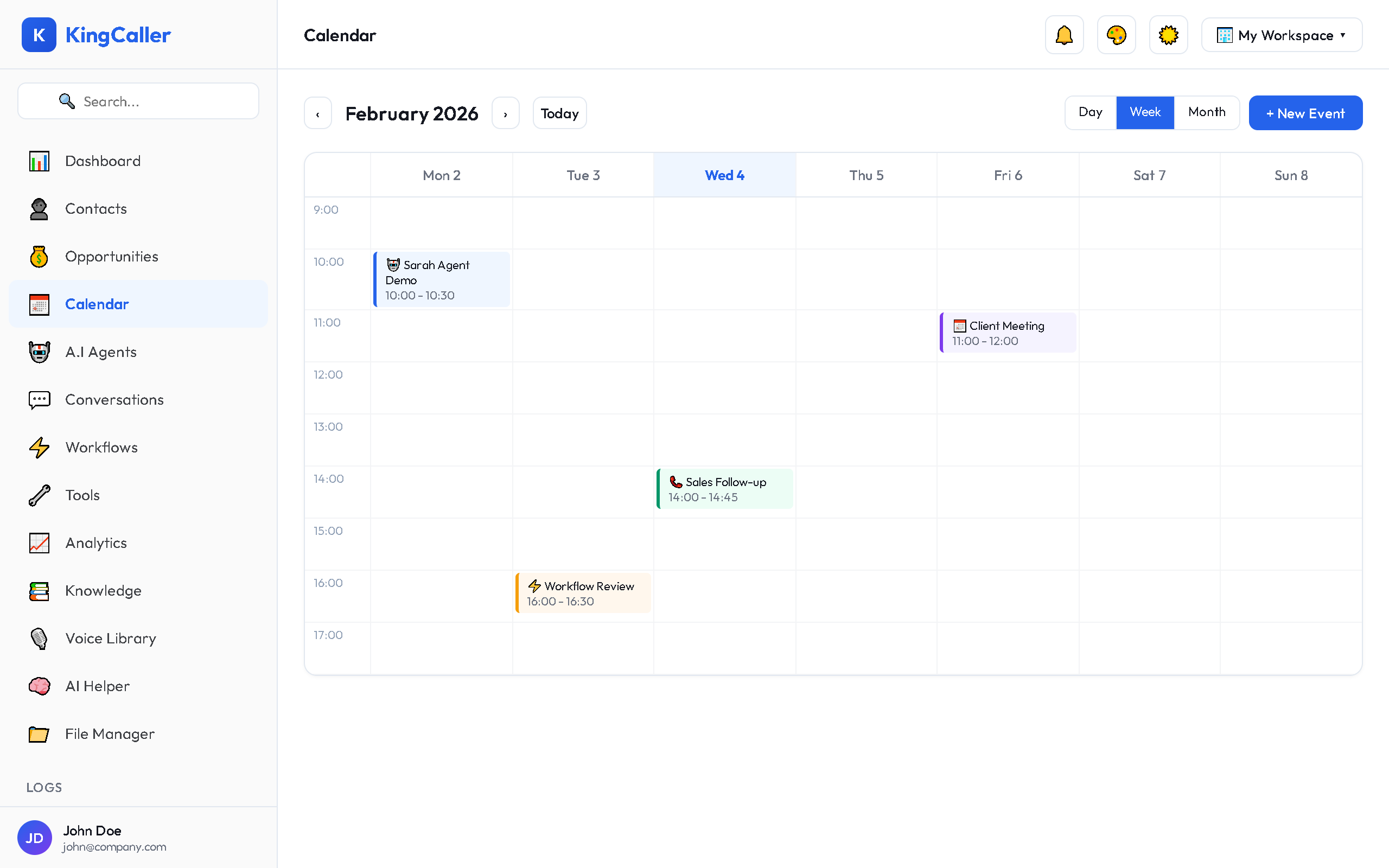
Setting Availability
Each booking link has its own availability schedule:
- Click on a booking link → Availability tab
- Set available time slots for each day of the week:
app.kingcaller.ai
2| Day | Available Hours |
|---|---|
| Monday | 9:00 AM – 5:00 PM |
| Tuesday | 9:00 AM – 5:00 PM |
| Wednesday | 9:00 AM – 12:00 PM |
| Thursday | 9:00 AM – 5:00 PM |
| Friday | 9:00 AM – 3:00 PM |
| Sat/Sun | Unavailable |
- Block out specific dates (holidays, vacations)
- Save your availability
Sharing Your Booking Link
Once created, you'll get a shareable URL like:
https://your-workspace.kingcaller.com/book/your-link-nameShare this link via:
- Email to clients
- SMS follow-up messages
- Your website
- AI agent conversations (agents can share booking links during calls)
Viewing Bookings
Go to Calendar → Bookings tab to see all appointments booked through your links:
- Client name and contact info
- Selected date and time
- Which booking link was used
- Booking status (confirmed, cancelled)
All bookings automatically appear on your main calendar.