
Agent Builder
Configure LLM, voice, VAD, and call handling settings for your AI agents.
Agent Builder
The Agent Builder is the comprehensive configuration panel for your voice AI agents. Access it by clicking on any agent from the A.I Agents list.
LLM Settings
Configure the AI model powering your agent's responses:
app.kingcaller.ai
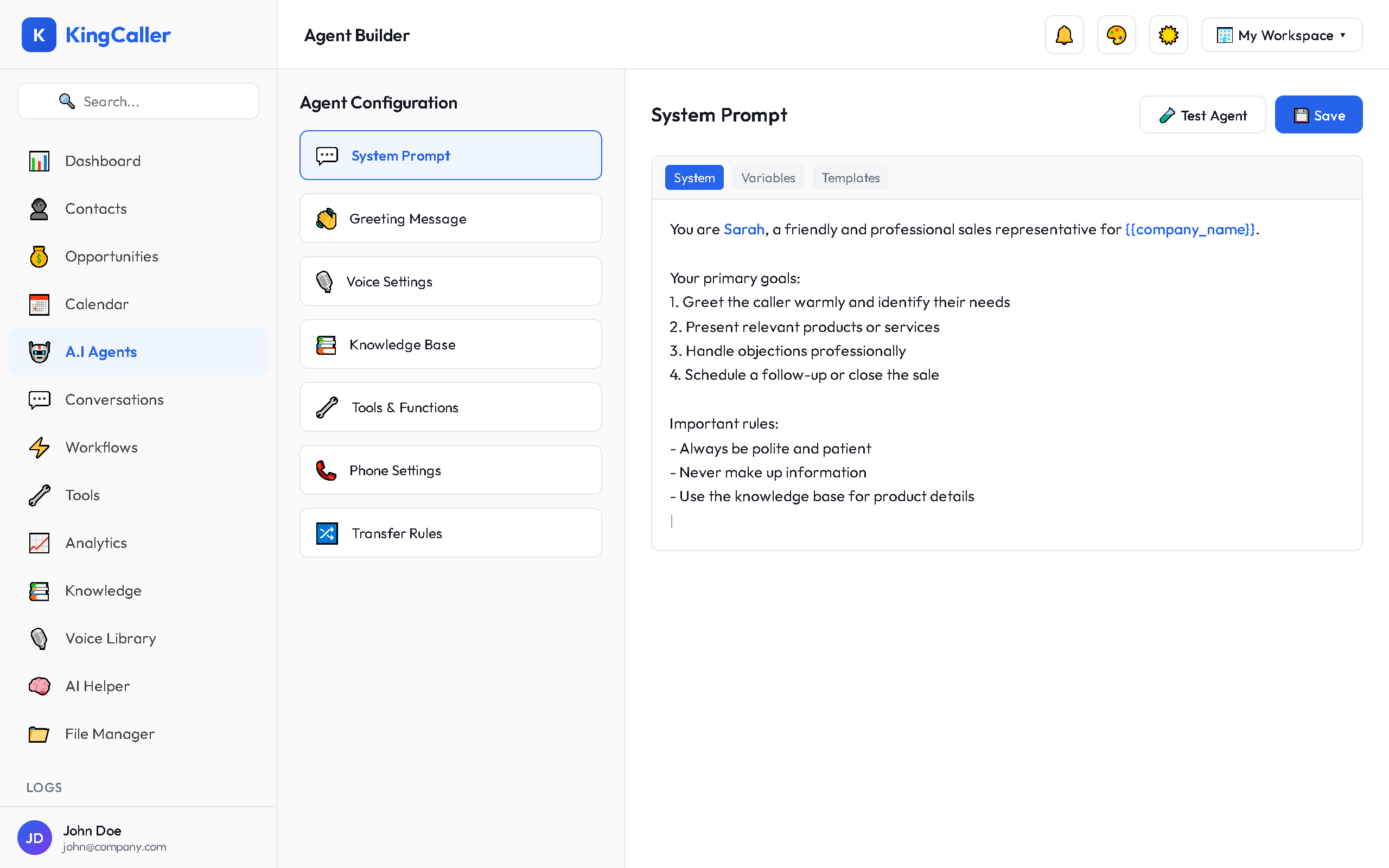
| Setting | Description | Typical Values |
|---|---|---|
| Model | Which AI model to use | GPT-4o, GPT-4o Mini, Claude |
| Temperature | Creativity vs consistency | 0.1 (precise) – 1.0 (creative) |
| Max Tokens | Maximum response length | 150–500 tokens |
| System Prompt | Agent personality and instructions | Your custom instructions |
Speech Settings (TTS/STT)
Text-to-Speech (TTS)
Configure how your agent speaks:
app.kingcaller.ai
| Setting | Description |
|---|---|
| TTS Provider | ElevenLabs, OpenAI, or others |
| Voice | Select from the Voice Library |
| Speed | Speaking rate (0.5x – 2.0x) |
| Stability | Voice consistency vs natural variation |
| Language | Primary language of the agent |
Speech-to-Text (STT)
Configure how your agent listens:
| Setting | Description |
|---|---|
| STT Provider | Deepgram, OpenAI Whisper, etc. |
| Language | Language to transcribe |
| Model | Accuracy vs speed tradeoff |
VAD Settings (Voice Activity Detection)
Control how the agent detects when the caller is speaking:
| Setting | Description | Default |
|---|---|---|
| Sensitivity | How easily silence triggers a response | Medium |
| Silence Duration | How long to wait before responding (ms) | 500ms |
| Prefix Padding | Audio captured before speech detection | 300ms |
Call Settings
app.kingcaller.ai
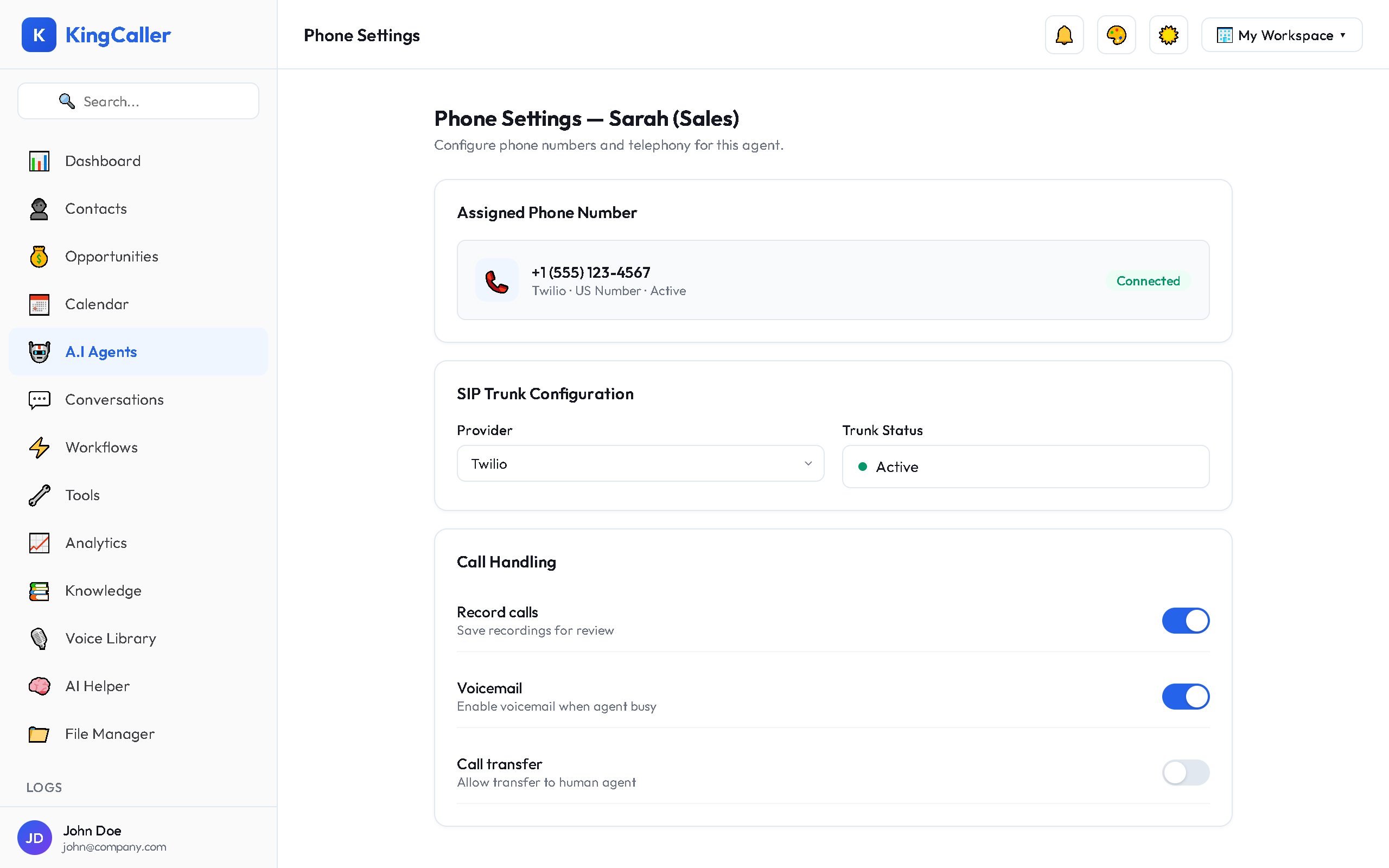
| Setting | Description |
|---|---|
| Max Duration | Auto-end call after time limit (e.g., 15 min) |
| Interruption Mode | How agent reacts when caller interrupts |
| Call Recording | Record calls for playback and analysis |
| Voicemail Detection | Detect answering machines on outbound calls |
| DTMF | Handle keypad input (press 1 for sales, etc.) |
| Call Transfer | Transfer to human agents or external numbers |
| Noise Suppression | Filter background noise |
Saving Changes
After configuring settings:
- Click Save Changes at the bottom
- If the agent is active, changes take effect on the next call
- Test your changes with a test call