Logs Overview
Monitor system activity with call logs, webhook logs, and workflow logs.
Logs
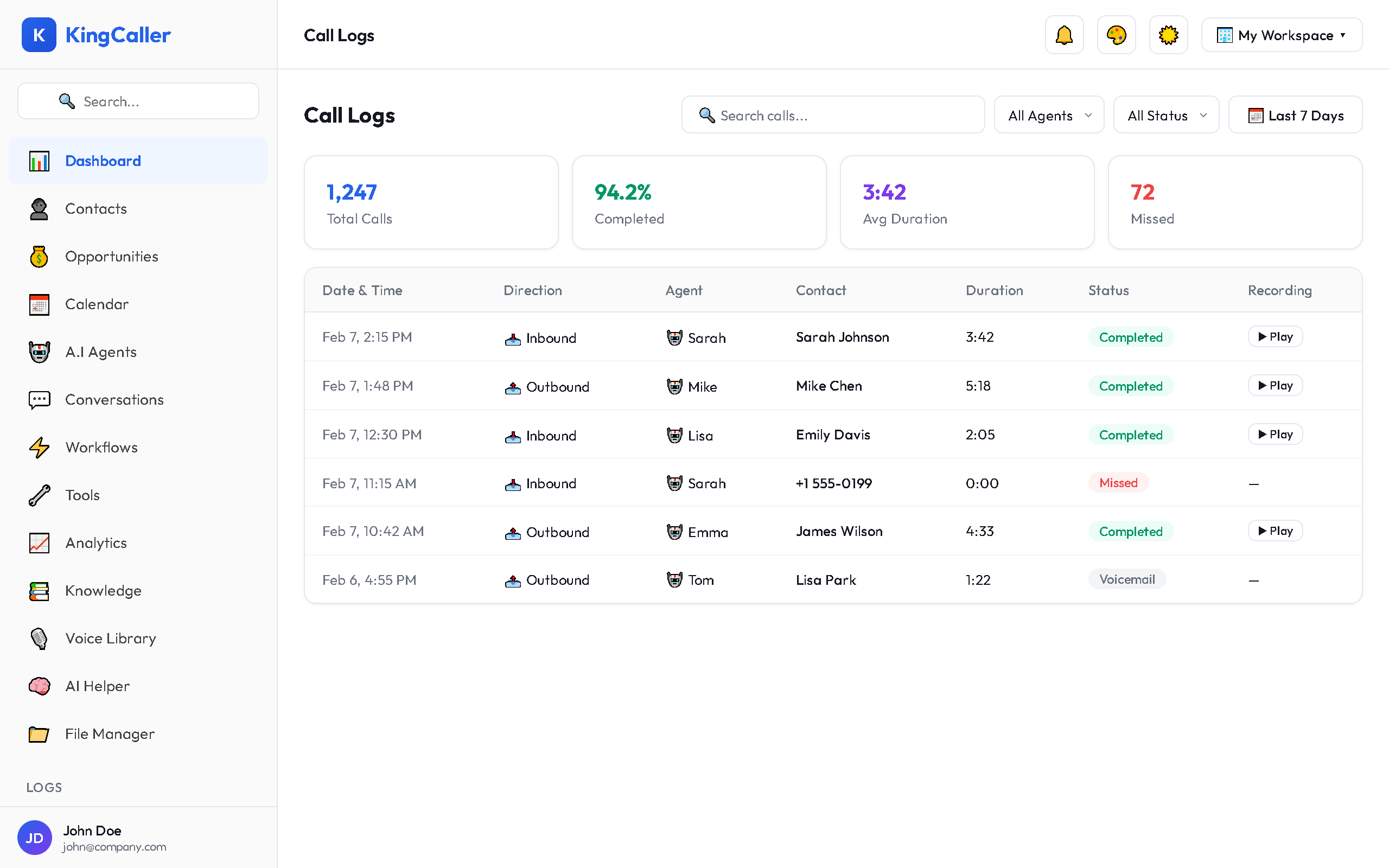
The Logs section gives you visibility into everything happening in your workspace. Monitor calls, webhook deliveries, and workflow executions with detailed logs, search, and filtering.
Log Categories
| Log Type | What It Tracks |
|---|---|
| Call Logs | All inbound and outbound phone calls |
| Webhook Logs | HTTP webhook deliveries and responses |
| Workflow Logs | Workflow automation execution history |
Common Features
All log types share these capabilities:
- Search — find specific log entries by keyword
- Filters — filter by status, date, agent, etc.
- Sorting — sort by date, status, duration
- Pagination — navigate through large log sets
- Stats — summary statistics at the top of each log view
- Detail view — click any entry for full details
app.kingcaller.ai